Need TV Repair Services in Nairobi?
Certified technicians dispatched to you — same day.
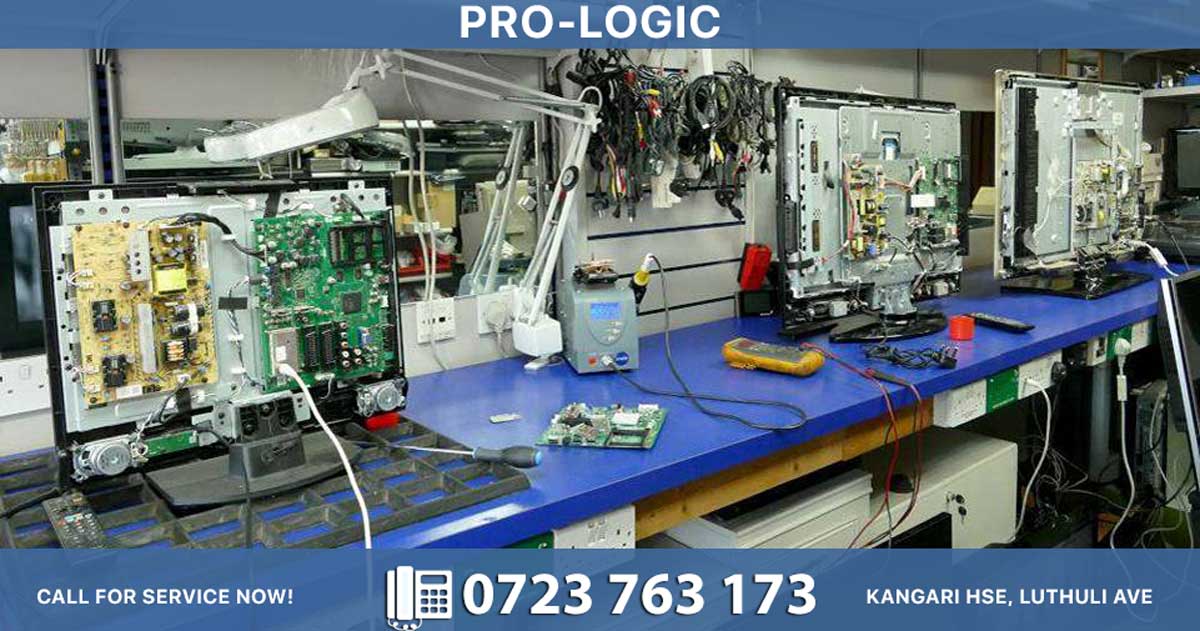
Despite the rise of streaming services, DVD players remain a popular choice in many Kenyan households, offering affordable entertainment without relying on internet connectivity. However, connecting a DVD player to your television correctly is essential for enjoying the best possible picture and sound quality. In this article, we walk you through the various connection methods and common troubleshooting tips.
Understanding Your Connection Options
There are several ways to connect a DVD player to your TV, and the method you choose depends on the ports available on both devices.
1. HDMI Connection (Best Quality)
If both your DVD player and television have HDMI ports, this is the ideal option. A single HDMI cable carries both high-definition video and audio, eliminating cable clutter. Simply plug one end into the DVD player's HDMI output and the other into any available HDMI input on your TV. Then, use your TV remote to select the corresponding HDMI source.
2. Component Video (Red, Green, Blue)
For older TVs without HDMI, component cables offer excellent analog quality. Connect the green, blue, and red video cables to the matching ports, then attach the red and white audio cables separately. Ensure each cable matches its corresponding colored port — a common mistake is swapping the red audio cable with the red video cable.
3. Composite Connection (Yellow, White, Red)
The most basic option, composite cables use a yellow cable for video and red and white cables for audio. While the picture quality is lower than HDMI or component, this method works with virtually any TV, including older CRT models still common in many homes.
Step-by-Step Connection Guide
- Power off both the DVD player and television before connecting cables.
- Match the cables to the correct colored ports on both devices.
- Power on the DVD player first, then the television.
- Select the correct input source on your TV using the "Source," "Input," or "AV" button on your remote.
- Insert a disc and test playback.
Troubleshooting Common Issues
No signal or "No Input" message? Double-check that you've selected the correct input source on your TV. Also, ensure cables are firmly seated in their ports.
No sound but picture is visible? Verify that the red and white audio cables are connected properly, and check that the TV volume isn't muted.
Distorted or black-and-white picture? This often indicates a loose video cable or a mismatch between PAL and NTSC settings. Kenyan televisions use the PAL standard, so ensure your DVD player is set accordingly.
DVD player not responding? Try a different power outlet and inspect the cable connections.
When to Seek Professional Help
If your TV fails to detect the DVD player despite correct connections, the issue may lie with damaged ports, a faulty mainboard, or internal TV faults. Attempting DIY repairs on modern televisions can be risky and may void your warranty.
At televisionrepair.co.ke, our experienced technicians diagnose and repair all television brands and models, including input port failures and signal processing issues. Whether you're in Nairobi or elsewhere in Kenya, we offer fast, reliable, and affordable TV repair services.
Contact televisionrepair.co.ke today for professional television repairs and get your entertainment system back in perfect working order!